What is a priority 1 message?
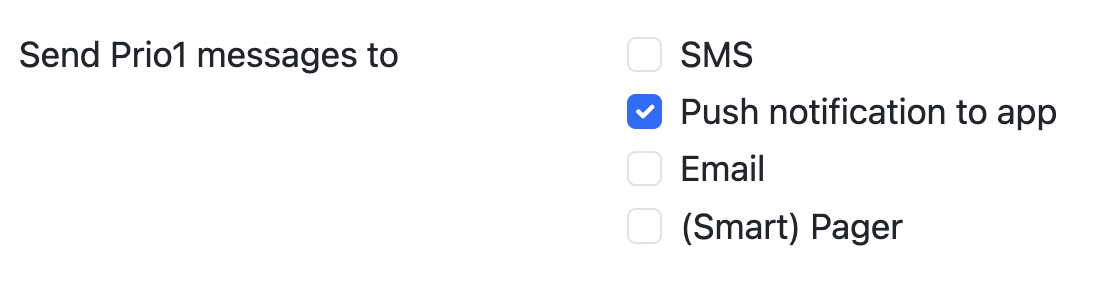
A priority 1 message is the most urgent way of communicating in the rota. Usually, this is via SMS and/or smartphone app push message, depending on how the recipient has filled in his/her communication preferences. Examples of priority 1 messages are:
- Warnings about crewing levels
- Geofencing warnings, such as being available in the planning while you are outside of the available area of your station
- Managers in your station sending out urgent messages classified as 'priority 1'
Priority 2 messages are also sent to the recipients through email.
Lastly, priority 3 is a message that is only sent in the FireServiceRota system. The user sees it the next time he logs in.
You need special privileges to send priority 1 messages.
You can edit your communication preferences by navigating to your user menu (top right corner) and clicking on 'My profile'. Next, click the 'edit profile' button and select the 'Communication settings' tab.