Assign rights to user
To assign rights to as user, follow the following steps:
Step 1.) Go to the 'Users' menu and navigate to the 'Members' page.
Stap 2.) Click on the orange icon of the member whose rights you want to adjust in the right column.

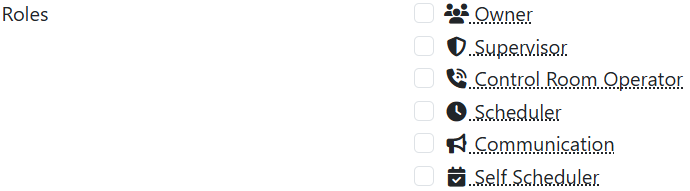
Stap 3.) Select the roles you want to assign to the user.
Stap 4.) Press the button Save to save your changes.