
Block a pager
It may happen that a pager needs to be blocked. This can be useful, for example, if a user has lost their pager. To (temporarily) block a pager in FireServiceRota, follow the steps below:
Step 1.) Open the pager that you want to block via the user.
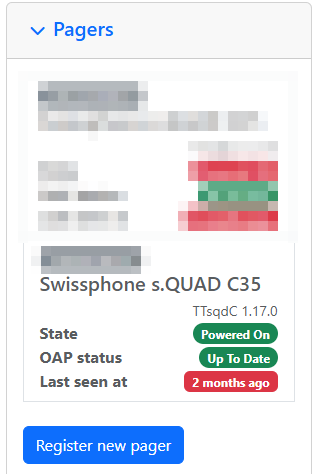
Step 2.) Navigate to 'Over the Air Programming'.

Step 3.) Press the red 'Block' button to block the pager.