
Changing your availability in the app
Please note: The article below refers to the Android version of the app. Some parts may look different on iOS devices, but the functionality is the same.
You can quickly and easily adjust your availability in the FireServiceRota app. The app allows you to make yourself (un)available in various ways:
Via the group rota
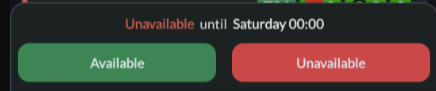
Press the ‘Available’ or ‘Unavailable’ button at the bottom.
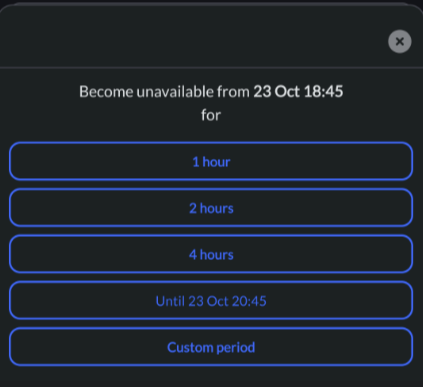
Press a predefined period (that's it!) or choose a custom period (follow the steps below).
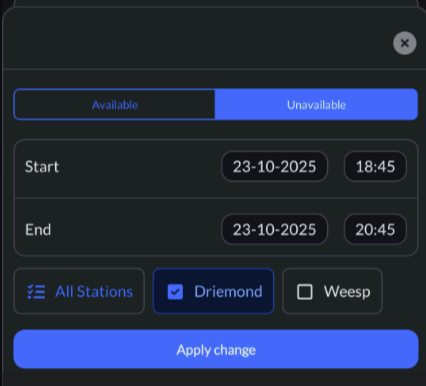
Enter a start and end time and then press the ‘Apply change’ button.
Via the personal rota
In the personal rota, navigate to the day on which you want to adjust your availability. Then press the time for which you want to adjust your availability. Next, enter a start and end time, select a station, and then press the ‘Apply change’ button.