
Requesting overtime via the app
If you have worked extra hours or wish to serve an additional duty, you can request this through an overtime request. You can do this via the app using the steps below:
Step 1.) Open the app and go to the 'Requests' page.

Step 2.) Press the button 'Make a new request'.

Step 3.) Choose 'Extra Work Request'.

Step 4.) Select a start and end time, duty function, and add any comments.
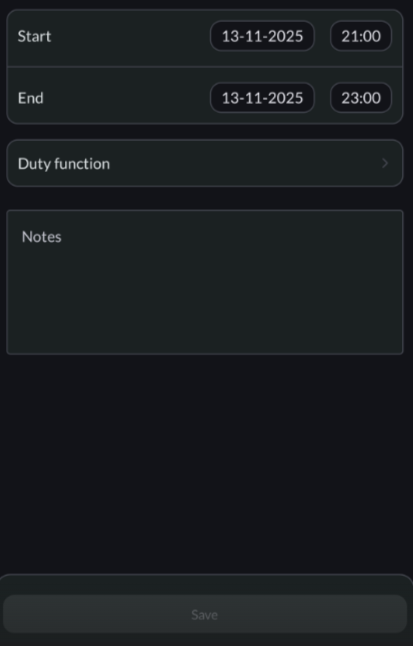
Step 5.) Press the 'Save' button to save your overtime request.
