Creating a new dashboard
In FireServiceRota, you can create multiple dashboards for a station, cluster, or region. Follow the steps below:
Step 0.) Go to the 'Dashboard' page via the 'Station' menu. This only applies to stations that have a separate homepage and dashboard.
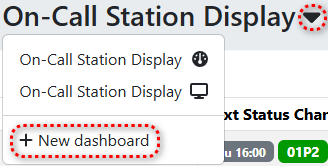
Step 1.) Click the arrow next to the name of the existing dashboard and then click the 'New dashboard' button.
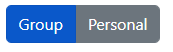
Step 2.) Choose whether you want to create a group or individual dashboard.
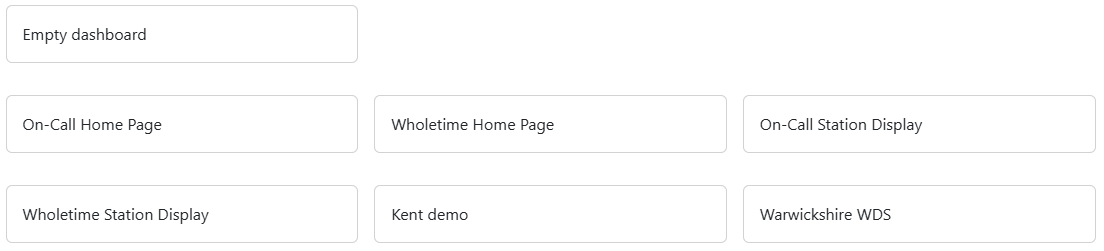
Step 3.) Choose between a empty dashboard or an existing template.