
Temporarily transfer user to another station
In FireServiceRota, it is possible to temporarily transfer someone to another station. This can be useful for users who are going to work a shift at a different station. To temporarily transfer someone to another station, follow the steps below:
Step 1.) Go to the profile of the user you want to temporarily transfer.
Step 2.) Go to the 'Actions' tab and then to the 'Transfers' page.
Step 3.) Press the grey 'Transfer' button at the top right to create a new transfer.

Step 4.) Select the stations involved in the temporary transfer in the 'From' and 'To' fields.

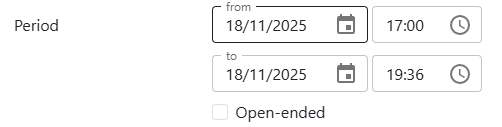
Step 5.) Enter a start and end time for the temporary transfer, or choose the option 'Open-ended'.
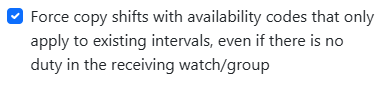
Step 6.) If desired, select the option to copy duties with codes that are only applied to existing periods in the schedule, even if there is no duty in the receiving group.
Step 7.) Press the 'Save' button to apply the temporary transfer.
