
Warnings in the Payroll Report
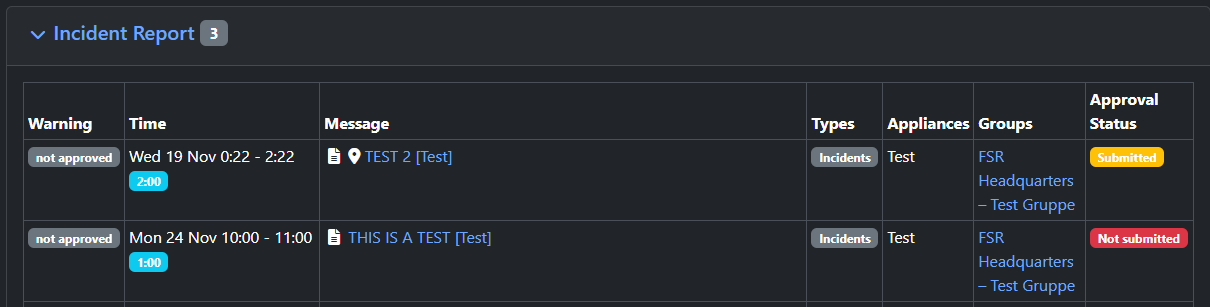
When reading a payroll report in FSR if there are claims that do not appear in the report, the system will display a warning to easily identify why the claims are not in the report.

If you suspect that there are entries that are missing and have not warned you of the status, please send us an email to helpdesk@fireservicerota.com so our team can investigate the issue further.