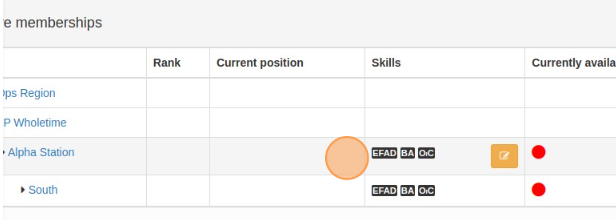
If you have users that are members of different stations and want to edit their skills easily without having the need to enter to each individual station.
Enter any user profile you need to change skills for.
On the bottom of the user profile, you will find their Active Memberships.
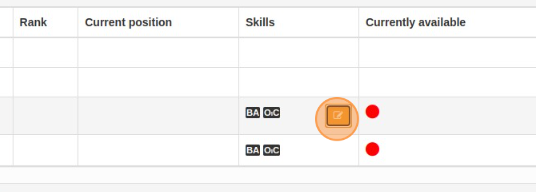
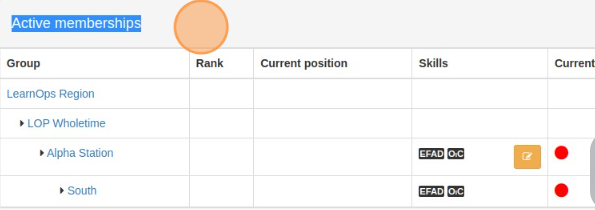 You will find a new EDIT button next to the user skills. To manage and edit skills click on the button.
 A window will appear with the name of the skill you are managing the skills for.
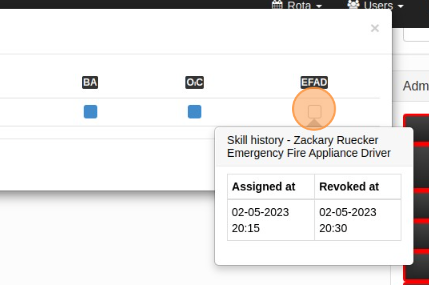
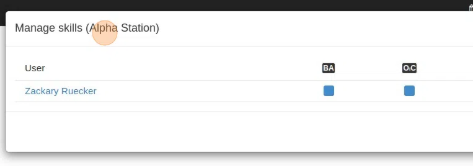 You will find the user name and also the list of skills available on the station you selected, the selection of skills is the same with just a click on the skill box.
 Click "Refresh". After refreshing, skills will be automatically updated with no need of going into each different station. Manage skills from the user profile.