
Exchange or take over duty via the website
In FireServiceRota, you can exchange duties/shifts with a colleague. This can be one-way (you ask someone else to take your shift) or two-way (your colleague works a shift for you, and vice versa). You can request a exchange via the website. To do so, follow these steps:
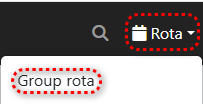
Step 1.) Go to the 'Group rota' page via the 'Rota' menu.
Step 2.) In the schedule, click on the shift you want to exchange.

Step 3.) Click the blue 'Duty exchange' button to create a exchange.

Step 4.) Select a period for which you want to swap shifts.

Stap 5.) Select the group to which the swap applies.

Step 6.) If applicable, select the 'Pre-approved' option. It's important to note that checking this option will immediately process the exchange in the system after saving, without the other party's approval.

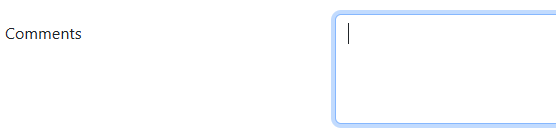
Step 7.) Enter any comments in the "Comments" field.
Step 8.) Click the blue "Find candidates" button to search for and display eligible candidates.

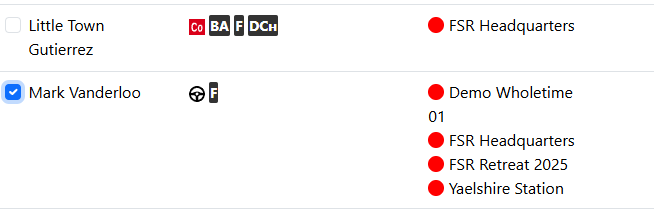
Step 9.) In the candidate list, select the user(s) you want to swap with.
Step 10.) Click the green "Save" button to finalize the swap request.
The swap request has now been successfully submitted. After the other party approves it (if applicable), changes will automatically be reflected in the schedule.