Change a team's rota
If you have the teams module enabled, and if you have scheduler or a higher role then you'll be able to edit the rota for any of these teams.
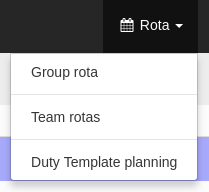
Go to the Rota menu, and select Team Rotas option
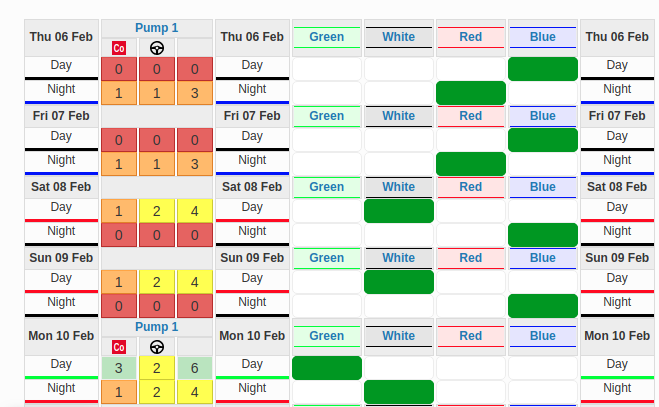
There you can find first an overview of the teams availability, as in the Group rota but in this case, each column is a team.
NOTE: If you click the '?' icon on the top right of the page, you'll get a better explanation about this view and Team rotas
On the top of the page above the rota and the filters, you will find a tab per team:

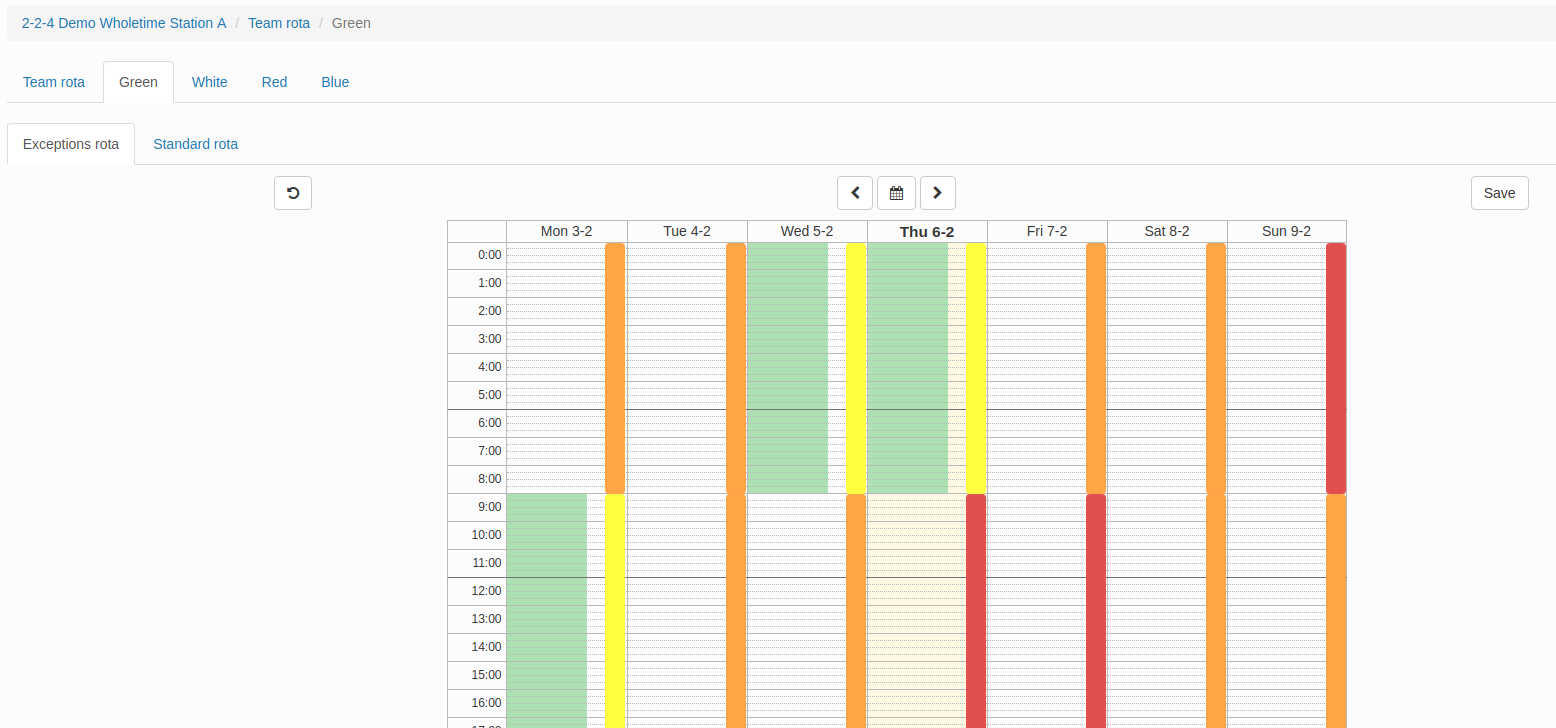
When you click any of these tabs, you'll see the familiar exceptions and standard rota view you have for a user but now it will be for a team. So you can set up a standard (recurring) rota and/or create exceptions on top of it.