
Requesting absence via the website
To request absence via the website, follow the steps below:
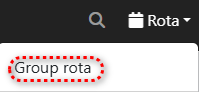
Step 1.) Go to the 'Rota' menu and navigate to the 'Group Rota' page.
Step 2.) Select the duty for which you want to request absence by pressing on the service. Do you want to request absence for a period where no duty is scheduled yet? Then press somewhere in the column of the first day you want to request absence.

Step 3.) Press the 'Absence Request' button to start a absence request application.

Stap 4.) Select, if applicable within your safety region, an availability code for your absence request.

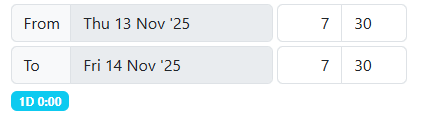
Stap 5.) Select a start and end date/time for your absence request.
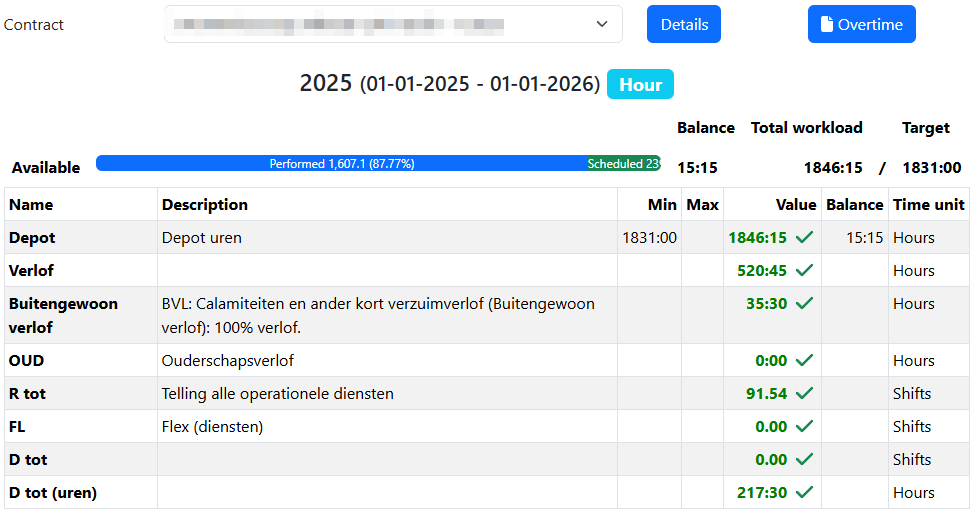
Stap 6.) In case of a wholetime appointment, you can view your contract details.
Stap 7.) Fill in comments if necessary/applicable.

Stap 8.) Press the green 'Save' button to save the changes. Any contractual warnings will be displayed in a pop-up.
