
Request absence through the app
It is possible to request absence through the FireServiceRota app. You do this by following the steps below:
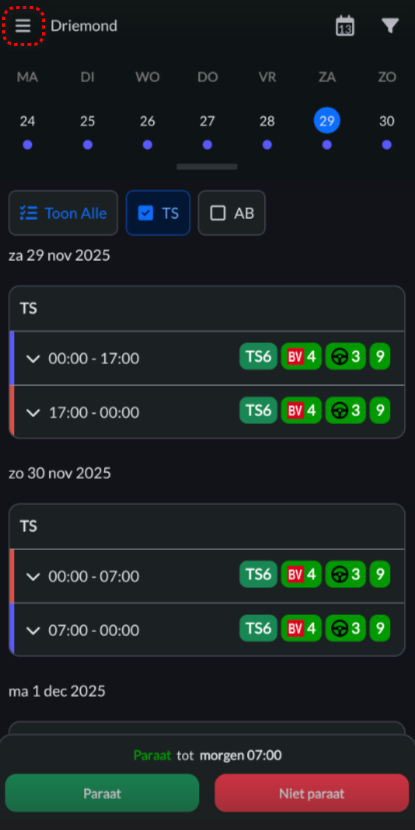
Step 1.) Press the button in the top left to open the navigation bar.
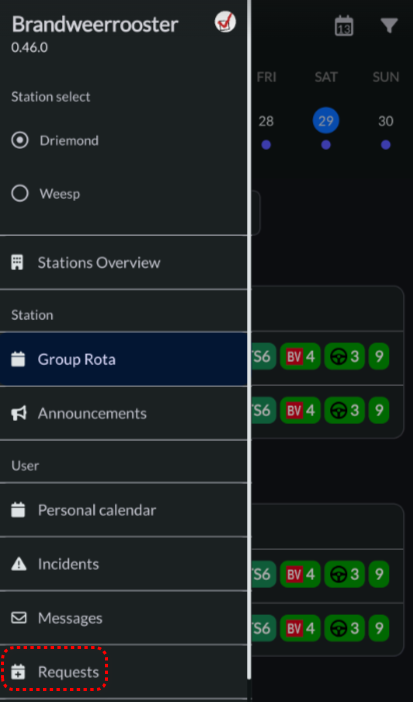
Step 2.) Navigate to the 'Requests' page.
Step 3.) Press the 'Make a request' button.

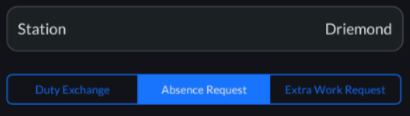
Step 4.) Choose the 'Absence Request' option.
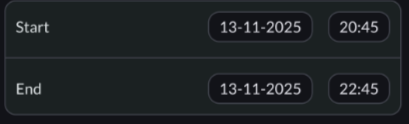
Step 5.) Select a start and end time for your leave request.
Stap 6.) Press the blue 'Save' button to save changes.
