Duty exchange via the app
All screenshots in this FAQ article are from the Dutch Brandweerrooster app. The language is different, the rest of the app is completely the same.
In the new FireServiceRota app, you can swap shifts. To do so, follow the steps below:
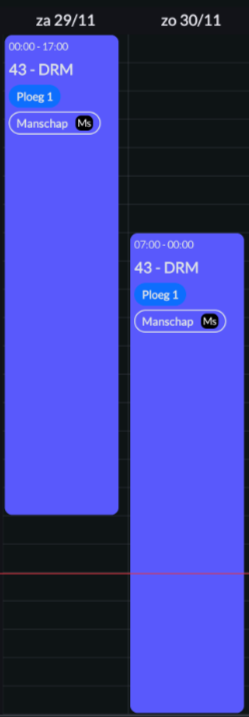
Step 1.) In your personal calendar, go to the date you want to exchange a shift for.
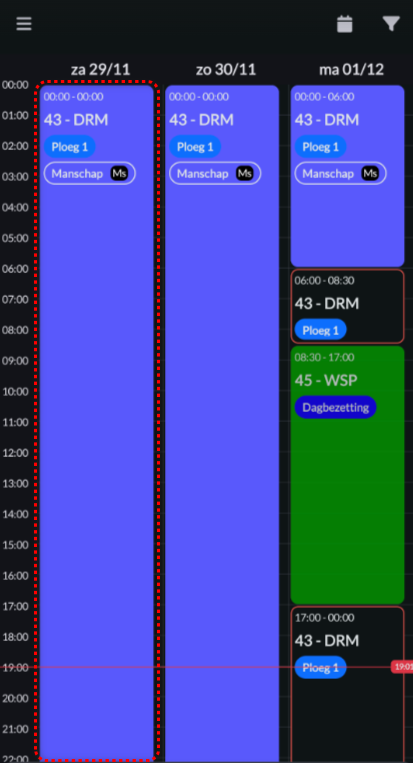
Step 2.) Click on (part of) the duty you want to exchange.
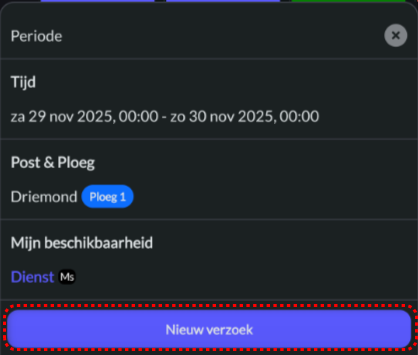
Step 3.) Press the blue 'New request' button.
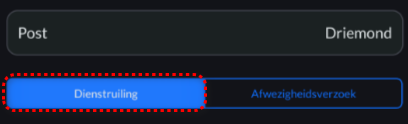
Step 4.) Choose the option 'Duty exchange'.
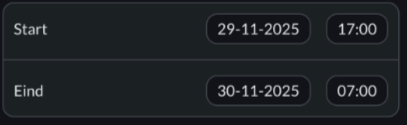
Step 5.) Select a start and end date/time.
Step 6.) If applicable, select the "Pre-approved" option. It's important to note that selecting this option will ensure that the duty exchange is processed immediately after saving, without requiring approval from the other party.


Step 7.) In the 'Candidates' field, select the candidate(s) you would like to swap with.


Step 8.) Press the blue button 'Save' to submit the duty exchange request.

Once the other party has approved the request, if applicable, the changes will be automatically applied to the schedule.