
Update pager firmware
To update the firmware of a Swissphone S.QUAD pager, follow the steps below:
Step 1.) Open the pager settings by pressing the pager through the user profile.
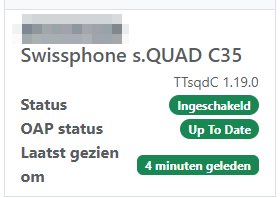
Step 2.) Navigate to the 'Over the Air Programming' tab.

Step 3.) Choose the firmware version you want to install on the pager at the field 'Update configuration and firmware'.

Step 4.) Press the 'Process' button to update the firmware version.