
iCalendar (iCal)
FireServiceRota offers the option to link your personal calendar to your duty roster in FireServiceRota via an iCalendar link. Follow the steps below to set this up:
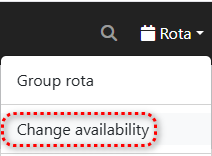
Step 1.) Go to the 'Rota' menu and select the 'Change availability' page.
Step 2.) Navigate to the 'Duty rota' tab at the top.

Step 3.) Click the gray 'iCal' button to open a pop-up window.

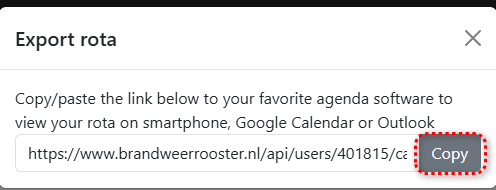
Step 4.) Click the gray 'Copy' button to copy the iCal link. Paste this link into your chosen calendar application that supports iCal.
Updating your personal calendar is handled by your calendar app like Google Calendar or Outlook. We have no control over this. Therefore, it may sometimes take several hours or up to a day for your schedule changes to be reflected in your calendar.