
Cluster and Station payroll reports
You can consult the payroll report at either the cluster or the station level. Consider that you will not be able to export this report to your payroll system but it will be very helpful in case you want to consult specific claims, review claims of a station or a specific pay type.
To access the payroll report at the cluster or station level:
- Go to the cluster or station you want to consult
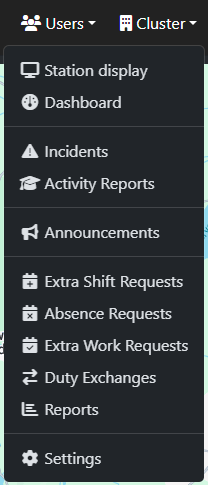
- In the upper bar, go to the Cluster/Station dropdown and select reports
- Look for the Payroll section and select Payroll report
Using the date filter is a very good way to find the oay claim you are looking for.
