Review activity report
To review an activity report in FireServiceRota, follow the steps below:
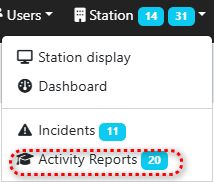
Step 1.) Open the page 'Activity Reports' via the 'Station' menu.
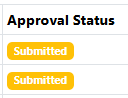
Step 2.) Press on the name of the activity report in the overview to open the report. Activity reports with the Approval Status 'Submitted' that were not submitted by yourself can be reviewed.
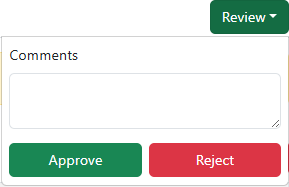
Step 3.) Press the 'Review' button in the top right corner, then press the 'Approve' or 'Reject' button. Fill in the 'Comments' field where necessary.