
Assign a duty via the group rota
To assign a duty to a user via the group rota, follow the steps below:
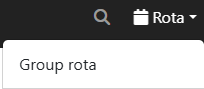
Step 1.) Press 'Rota' in the menu, then select 'Group Rota' from the list.
Step 2.) Press an empty spot in the user's column within the group rota.

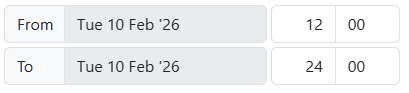
Step 3.) Enter a start and end time for the duty.
Step 4.) Select a duty function in the field 'Assigned functions'.

Step 5.) Press the blue 'Save' button to save the duty and assign it to the user.
