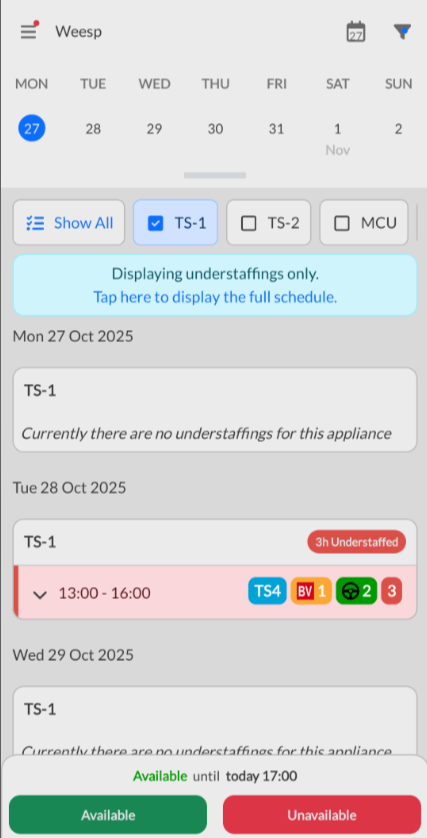
Filter group rota by understaffing within the app
In the FireServiceRota app, it is possible to filter the group rota for understaffing. This allows you to see only the moments of understaffing in the schedule. To enable this filter, follow the steps below:
Step 1.) In the group rota, press the funnel icon in the upper right corner.

Step 2.) Enable the ‘Understaffings only’ filter and then press the blue ‘Apply’ button.
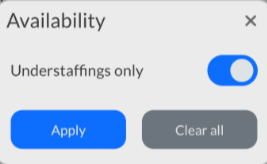
The group schedule will now only show understaffing.