
Pairing a Swissphone s.QUAD pager to a user
To pair a pager to a user, you need supervisor or owner rights. In addition, the "Pagers" module must be enabled for the station the user is a member of. Then follow the steps below:
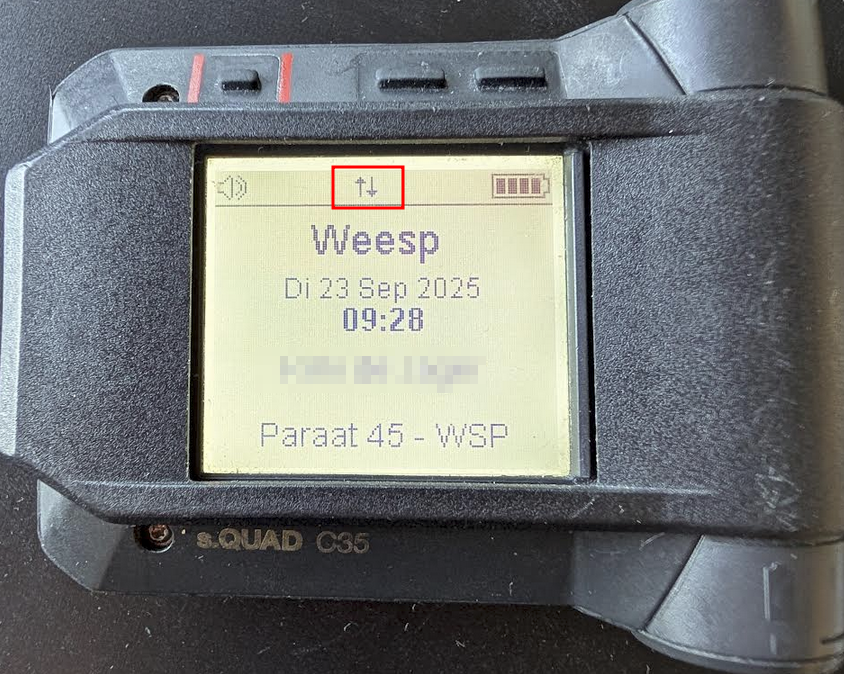
Step 1.) Make sure the pager has a SIM card, has been turned on for a few minutes, and is successfully connecting to the GSM network (indicated by the status icon on the screen).
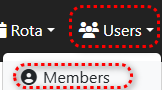
Step 2.) In FireServiceRota, go to the "Members" page via the "Users" menu.
Step 3.) Open the user page of the user you want to link the pager to by clicking on the user's name.

Step 4.) Press the blue "Register new pager" button in the bottom right corner.

Step 5.) Enter the pager's serial number and then press the green "Save" button.

Note! If the pager has already been used by someone else, it must first be deleted from the previous owner's profile. If this hasn't already been done, the pager can't be paired. Is the previous owner someone outside your organization? Send an email to helpdesk@fireservicerota.com, stating the employee's name and the pager's serial number.